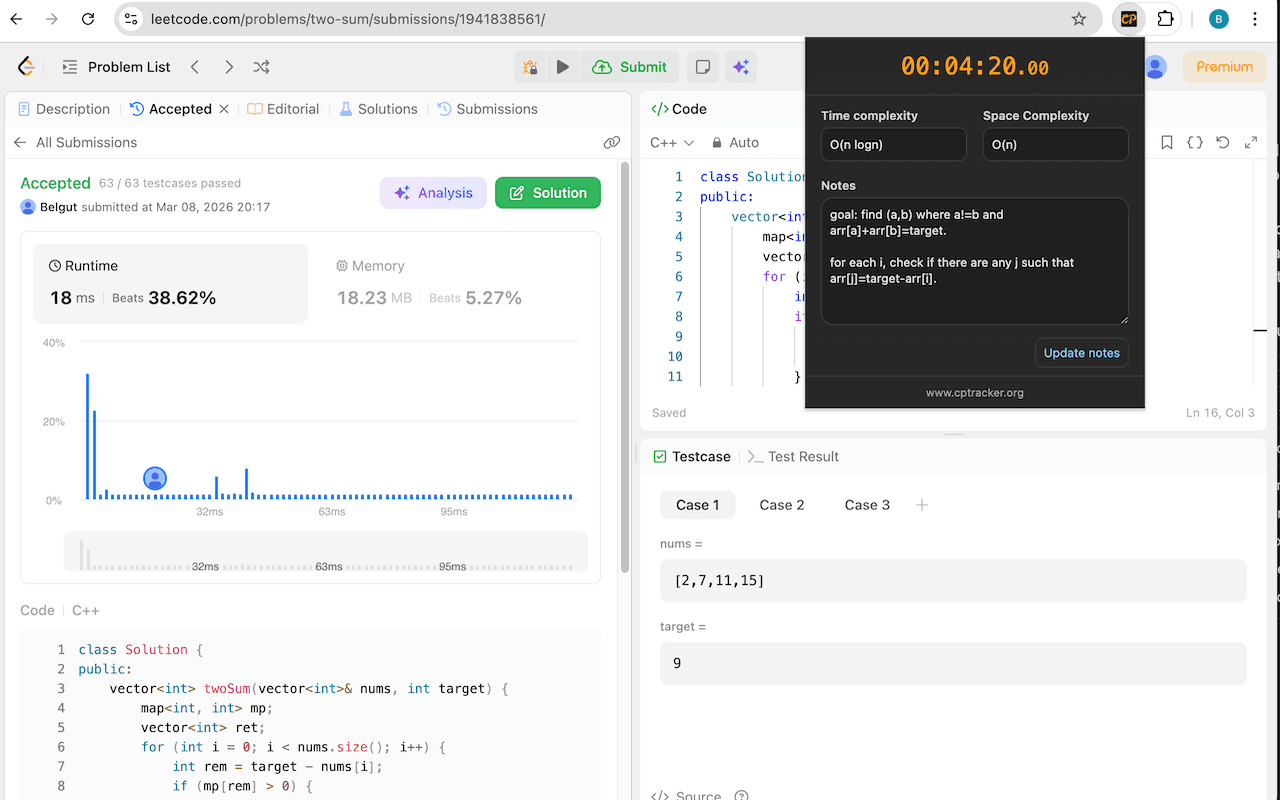
Step 1
Open Popup
Open the extension popup on a LeetCode problem to link the current problem in one click.
Removes tab-switching friction while you solve.
Why install it.
Stay focused on coding in LeetCode while still capturing the data you need for reflection and improvement. Your tracked sessions power CPTracker analytics like total time spent, average solve duration, and progress by difficulty.
How to use it
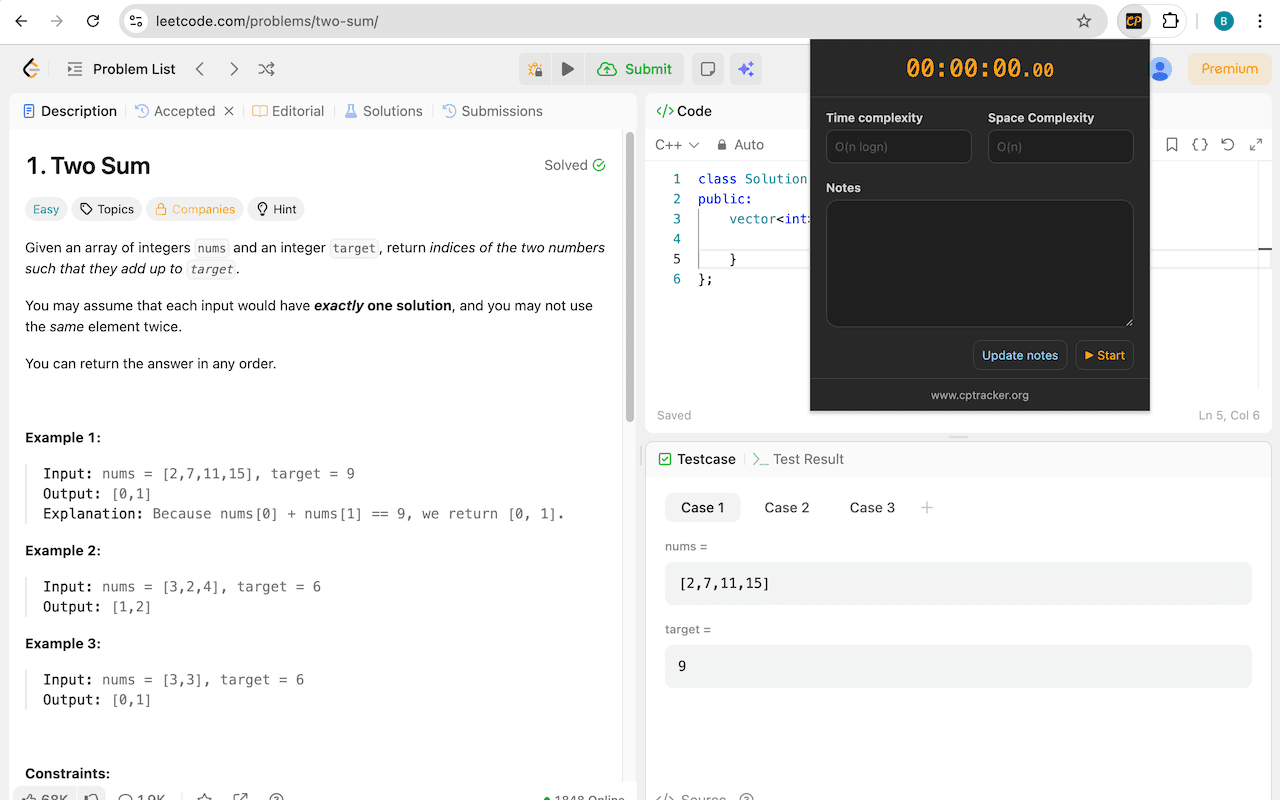
Step 1
Open the extension popup on a LeetCode problem to link the current problem in one click.
Step 2
Run the timer as you solve and capture notes, time complexity, and space complexity.
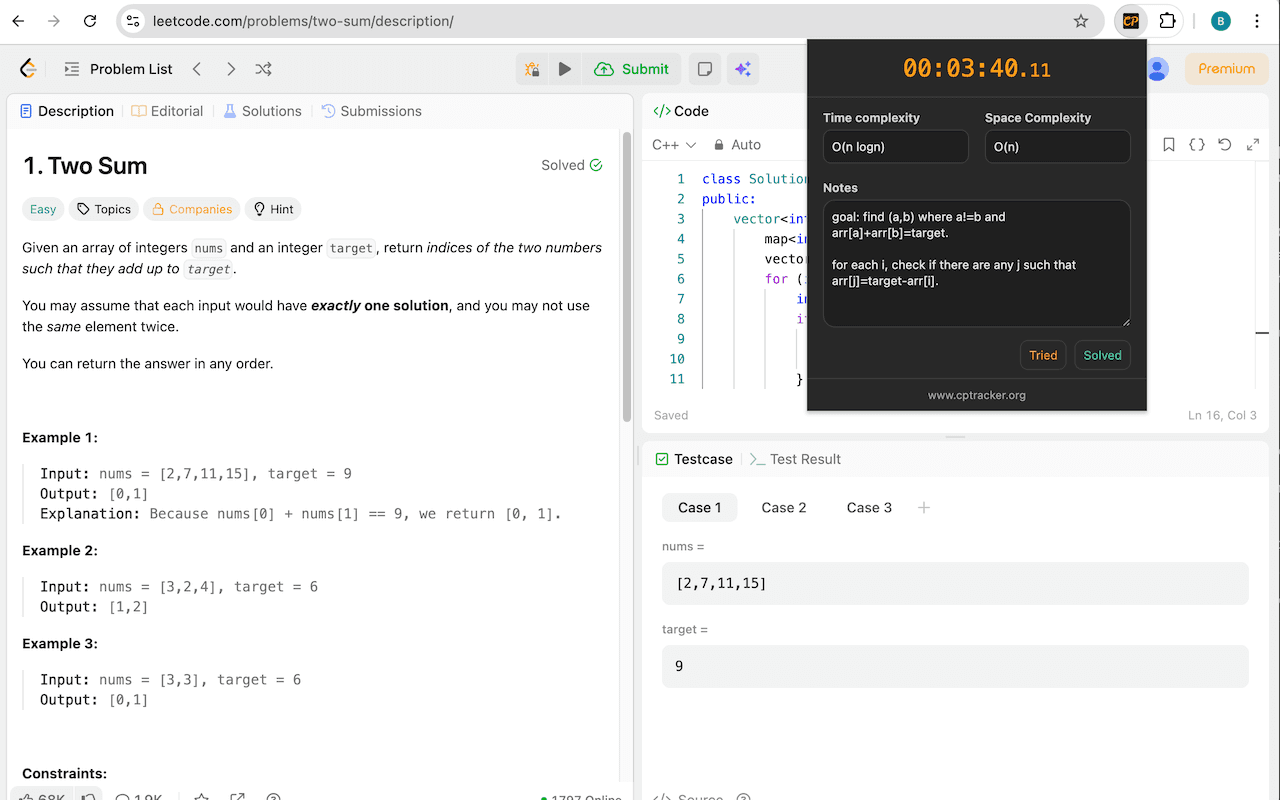
Step 3
Stop the timer and mark the problem as Solved so your session is saved to CPTracker analytics.